Evaluate active August 2026 Microsoft 365 quest rewards, monthly punch cards, SA point caps, and redemption values to see if the daily grind pays off.
Millions of Microsoft 365 subscribers cycle through daily search quizzes, routine punch cards, and promotional quests. The setup is simple: bank loyalty points, stay in the top tier, and redeem those points for digital vouchers, sweepstakes entries, or subscription extensions.
Consistency is the catch. Saudi Arabia (SA) license holders face separate point accrual caps, regional catalog differences, and strict non-VoIP phone verification. Are microsoft 365 event rewards worth it this month, or is the daily grind a waste of time?
Here is the August 2026 breakdown of active reward caps, redemption math, and regional account rules.
August 2026 Active Punch Cards and Event Deadlines
August 2026 runs two main promotional tracks: the August Subscriber Punch Card and two global cash card sweepstakes.
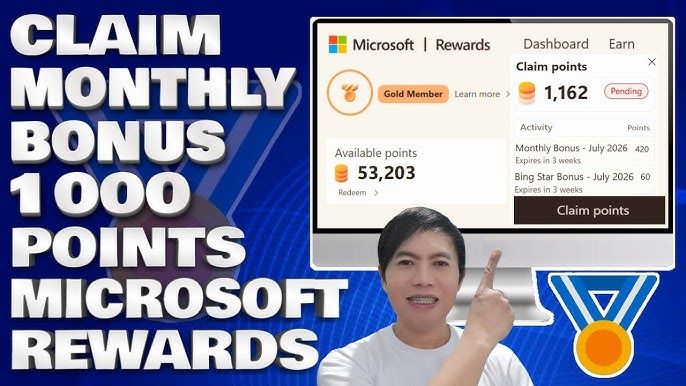
Completing the microsoft rewards 365 monthly punch card gives subscribers milestone bonuses toward their monthly tier quota. On the sweepstakes side, entries cost 500 points for the $5,000 USD prepaid card draw and 100 points for the 4,320 EUR prepaid card draw. Both close on August 31, 2026.
Fulfillment delays remain a headache. While Microsoft states a 5 to 10 day turnaround for promotional bonus points, queues regularly stall in "pending" status for up to 26 days. If you need those bonus points for an end-of-month redemption, account for that lag.
The table below outlines current campaigns, point costs, and cutoff dates.
| Promotion / Campaign | Point Requirement | End Date / Reset | Fulfillment & Processing Notes |
|---|---|---|---|
| Global $5,000 USD Sweepstakes | 500 points / entry | August 31, 2026 | Legal adult residents across eligible global regions; draw follows close. |
| European 4,320 EUR Sweepstakes | 100 points / entry | August 31, 2026 | Winners published approximately 30 days after the monthly draw concludes. |
| Monthly Level 2 Maintenance Goal | 500 points earned | August 31, 2026 (Monthly) | Hard reset on the 1st; maintains discounted store redemptions. |
| Store Purchase Point Accrual Cap | Up to 20,000 points | August 31, 2026 (Monthly) | 20,000-point hard cap on qualifying games and add-ons; resets monthly. |
| Promotional Event Bonus Queue | Varies by quest | Ongoing August Cycle | Advertised at 5–10 days, but pending status can take up to 26 days. |
Takeaway: Ensure you submit your August sweepstakes entries before August 31, 2026, and expect promotional quest point bonuses to lag behind standard search earnings.
Microsoft 365 (SA)
4.21 · 749 sold
Reward Tier Math: Level 1 vs. Level 2 Daily Earning Rates
Level 2 status makes or breaks the program's value. Drop to Level 1, and your daily earning ceiling falls off a cliff.
You need 500 points each calendar month to reach and hold Level 2. That status unlocks higher daily search caps and up to 10% off digital gift cards. Miss that 500-point mark before August 31, and your account resets to Level 1 on September 1.
Daily earning rules by tier:
- Level 1 Accounts: 50 points per day max from PC searches (5 points per search). Mobile searches give zero points. Store purchases earn a baseline 1 point per $1 spent on qualifying items.
- Level 2 Accounts: 150 points daily on PC and 100 points on mobile (up to 250 search points daily). Store purchases jump to 10 points per $1 spent.
- Level 2 with Xbox Game Pass Ultimate: Doubles store purchase returns to 20 points per $1 spent on qualifying digital games and add-ons.
Store purchase points carry limits. They apply only to qualifying games and add-ons on Microsoft.com—subscriptions and direct gift card purchases do not count. The system also caps store earning at 20,000 points per month.
The table below breaks down daily and transactional caps by tier.
| Membership Status | PC Search Limits | Mobile Search Limits | Store Purchase Earning Rate | Monthly Status Requirement |
|---|---|---|---|---|
| Level 1 | 50 pts/day (5 pts/search) | 0 pts/day | 1 pt per $1 spent | 0 points (Default tier upon joining) |
| Level 2 | 150 pts/day (5 pts/search) | 100 pts/day (5 pts/search) | 10 pts per $1 spent | 500 points earned per calendar month |
| Level 2 + Game Pass Ultimate | 150 pts/day (5 pts/search) | 100 pts/day (5 pts/search) | 20 pts per $1 spent | 500 points/month + active Ultimate sub |
Takeaway: Hitting 500 points early in the month is essential; without Level 2 status, daily earning speed drops by over 80%.
Regional Account Rules: SA Licenses and Cross-Border Pitfalls
Saudi Arabia is an officially supported Microsoft Rewards market. Local accounts can earn and redeem points directly without regional workarounds.
Catalog terms differ internationally. Some regional markets see daily search caps shrink from 150+ points down to 60 points alongside narrower gift card inventories. Check your regional dashboard to verify local caps.
Never use VPNs or proxies to access other regional catalogs. Microsoft flags network spoofing quickly, leading to canceled redemptions and permanent account bans. Points must be redeemed in the country where you earned them. Keep your account clean with a legitimate Microsoft 365 (SA) license and stick to your local store catalog.
Redemptions also require strict location alignment. If your registered region, IP address, and SMS verification number do not match, the system automatically cancels the order.
Microsoft 365 License Perks vs. The 31-Day Offline Limit
Assessing microsoft 365 points quest rewards means weighing the loyalty points against what the subscription itself delivers.
A standalone Office Home license costs $149.99 for one PC, with no cloud storage and no future version upgrades. By comparison, Microsoft 365 Personal is $69.99 per year, and Microsoft 365 Family is $99.99 per year.
The Family plan includes:
- 1 to 6 separate user accounts.
- Up to 5 simultaneous device connections per user across PC, Mac, tablets, and phones.
- 1 TB of dedicated OneDrive cloud storage per person (up to 6 TB total).
- AI Copilot features tied exclusively to the primary account holder.
Desktop apps have a hard 31-day check-in rule. If your device stays offline for more than 31 consecutive days, Word, Excel, and PowerPoint enter reduced-functionality mode (read and print only). Connecting online and logging in restores full editing immediately.
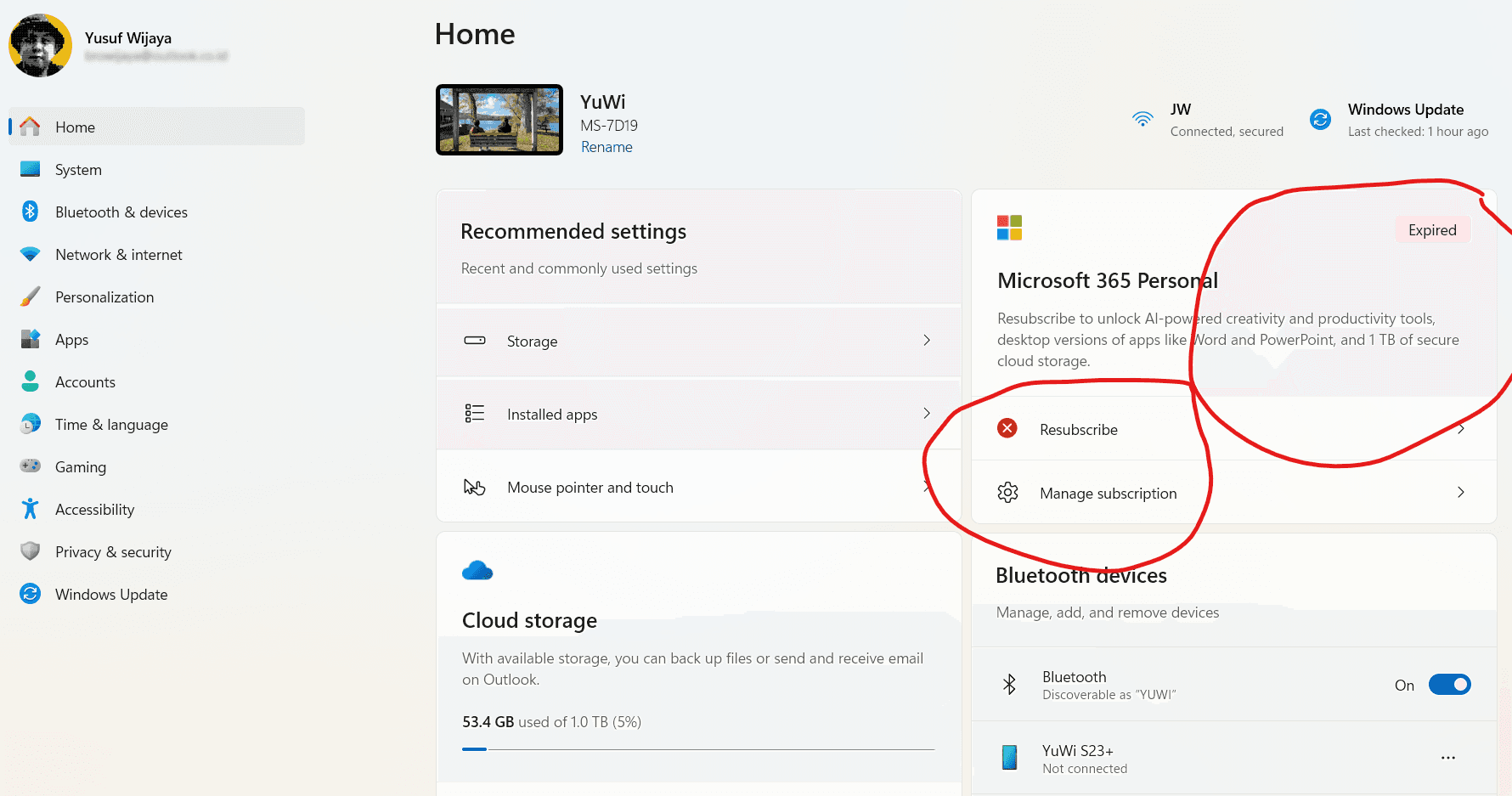
To set up or extend your setup, a Microsoft 365 (SA) subscription provides the cloud storage and desktop access needed to keep your account active for monthly quest bonuses.
Microsoft Rewards Store Redemption Priority: Ranking Your Points
Earning points is useless if you waste them on bad redemptions. Setting a clear microsoft rewards store redemption priority keeps your return on time spent high.
Three redemption tiers to consider:
High Priority: Direct Software & Store Digital Gift Cards
First-party Microsoft Store gift cards give you the best point-to-dollar return. Level 2 members receive an automatic discount on these cards. If you buy digital games, DLC, or software subscriptions, this is where your balance belongs.
Moderate Priority: Third-Party Digital Gaming Cards
Third-party gaming cards (like 16,750-point denominations) offer decent value for gaming currency. The trade-off is stock volatility. When codes run out in your region, orders stall in review or get canceled.
Poor Priority: Sweepstakes Entries
Sweepstakes entries—including August's $5,000 USD (500 pts) and 4,320 EUR (100 pts) drawings—are poor bets. Sinking thousands of points into global draws with hundreds of thousands of entries almost always leaves you with zero return. Stick to guaranteed store credit.
The table below ranks common redemptions by efficiency and availability risk.
| Redemption Category | Point Cost Range | Value Efficiency | Risk / Availability Factors |
|---|---|---|---|
| Direct Store Digital Cards | Standard discounted rates | High | Instant delivery; Level 2 discount applies automatically. |
| Digital Gaming Cards | Up to 16,750 points | Moderate-High | Subject to regional stock depletion and non-transferable terms. |
| Direct Subscription Extensions | Standard point tiers | Moderate-High | Great value for maintaining cloud storage without out-of-pocket cash. |
| Charitable Donations | Variable | Moderate | Direct donation; non-refundable and no personal commercial value. |
| Global Sweepstakes Tickets | 100 to 500 points / ticket | Poor | Pure lottery odds against hundreds of thousands of entries. |
Takeaway: Prioritize direct digital store cards and verified gaming vouchers; avoid sinking significant point reserves into sweepstakes draws.
Expiration Rules, Phone Locks, and Pending Point Delays
Account bans, lockouts, and point expiries wipe out balances fast if you ignore program guardrails.
On the microsoft 365 reward points expiration date front, points expire only after 12 consecutive months of zero earning or redemption activity. Earning a single search point or completing one punch card within 12 months resets the clock.
Security checks at checkout are rigid:
- Non-VoIP Requirement: Redemptions require SMS verification via a standard mobile or landline number. VoIP and virtual numbers are blocked.
- Household Limit: One phone number can verify up to 6 household accounts.
- Lockout Penalty: Multiple failed verification attempts trigger a 48-hour security lockout that blocks all redemptions during that window.
Pending point delays remain common for promotional bonuses. While Microsoft cites a 5 to 10 day turnaround, promotional queues often take up to 26 days. Support tickets cannot bypass the automated review queue, so budget extra time when aiming for time-sensitive rewards.
How to Claim Microsoft 365 Subscriber Bonus Points This Week
Follow this step-by-step weekly routine to grab all available points efficiently:
- Verify Level 2 Progress: Check your rewards dashboard to confirm your monthly point total. If you are under 500 points for August 2026, complete daily searches immediately to lock in Level 2 before September 1.
- Run Daily Search Quotas: Do your 150 PC search points on a desktop browser, then run 100 mobile search points on your phone. At 5 points per search, this takes under 4 minutes.
- Complete the August Monthly Punch Card: Open the subscriber quest section. Click through the featured August punch card tasks to claim milestone bonus points.
- Confirm Desktop App Check-In: Open Word or Excel on your PC. Make sure you are signed in and have connected online within the last 31 days to keep apps fully functional.
- Place Redemptions Early: If you have enough points for your target card, order early to account for phone verification checks and stock updates.
If your household needs more seats or an active term is ending, renew your Microsoft 365 (SA) seat to keep your subscriber tasks and storage perks active.
FAQ
Do Microsoft Rewards points expire?
Points will expire if your account has no earning or redemption activity for 12 consecutive months. Active accounts that complete regular tasks retain their points indefinitely.
Can I use a VPN to earn or redeem rewards while traveling?
No, using a VPN or proxy violates Microsoft Rewards terms and can result in order cancellations or account bans. You must earn and redeem points within the specific country region assigned to your account.
How many points do I need to maintain Level 2 status?
You need to earn at least 500 points each calendar month to keep Level 2 status. Falling below this threshold resets your account back to Level 1 on the first of the following month.
Why is my reward redemption order cancelled?
Orders are commonly cancelled due to VoIP phone verification, VPN detection, regional mismatches, or out-of-stock items. Ensure you verify with a standard mobile or landline number in your registered region.
Is Microsoft Rewards available in Saudi Arabia (SA region)?
Yes, Saudi Arabia is an officially supported region for Microsoft Rewards. Subscribers with an SA license can earn points and redeem items available in the local regional catalog.
What happens if I stay offline on Microsoft 365 for more than 30 days?
Your Microsoft 365 applications will switch to reduced functionality mode after 31 days offline. Reconnecting to the internet and signing into your account restores full editing features.
Final Verdict: Is the August 2026 Grind Worth Your Effort?
Are Microsoft 365 event rewards worth your daily time this August 2026?
Yes, provided you hit the 500-point monthly mark for Level 2 status and spend those points strictly on direct gift cards or subscription renewals.
Taking 3 to 5 minutes a day to clear search caps while using your 1 TB OneDrive storage and Office apps yields a predictable return. Over a few months, those points reliably cover digital game purchases or software renewals.
The program fails to deliver if you chase low-odds sweepstakes, risk bans with VPNs, or let your account drop to Level 1 where search limits fall by 80%. Protect your balance, stick to your local SA catalog, and redeem only for guaranteed store credit.